
Adding a company to Google Maps is not just a formality, but a real tool for acquiring customers. People have long stopped searching for businesses “manually” — they open the map, enter a query, and choose from the first options. At that moment, not only the mere presence matters, but also how the profile looks.
Company management is carried out through Google Business Profile. This is where the listing is created, information is edited, photos, posts, and reviews are added. But most mistakes are made at the creation stage, when the user does not understand how exactly Google evaluates a business.
What actually happens after adding
When you add a company, Google does not simply “publish it on the map.” It starts evaluating whether it is worth showing to people. The algorithm looks at query relevance, profile completeness, trust in the company, and activity.
If the profile is made formally, without details and without verification — it will either not be shown or will be somewhere at the bottom where no one will see it.
If everything is done correctly, the company starts appearing in local search and actually brings in customers.
Company registration: what is important to understand at each stage
The first step is logging into a Google account. It seems obvious, but there is a nuance: the account is the “business owner” in Google’s eyes. If you create a company on a temporary or someone else's account, in the future there may be problems with access, transferring rights, or recovery.
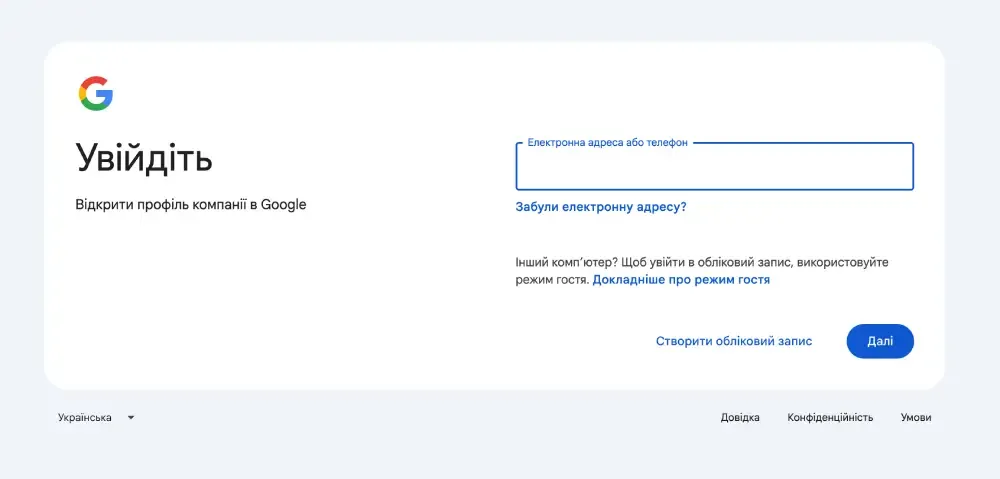
After logging in, you go to Google Business Profile and start adding. Then the system guides you through a series of fields that look simple but actually affect ranking.
The company name is not a place for keywords. Google has long learned to recognize spam. If you try to insert something like “repair Kyiv cheap” there, it does not give an advantage, but on the contrary can reduce trust in the profile. The name should look like a real brand or business name that a customer would see on a sign.
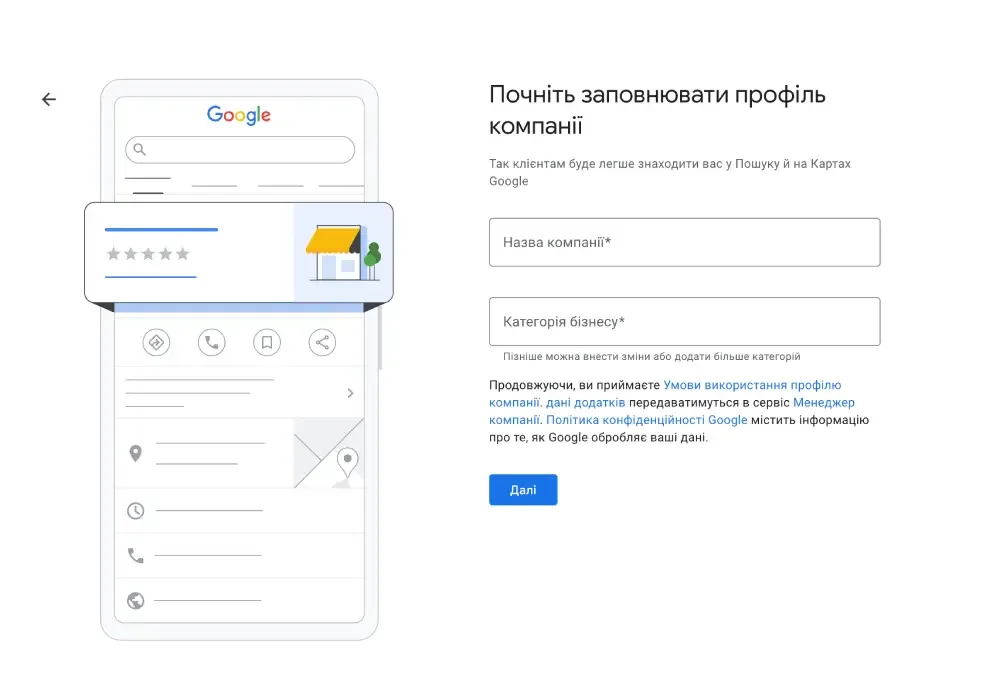
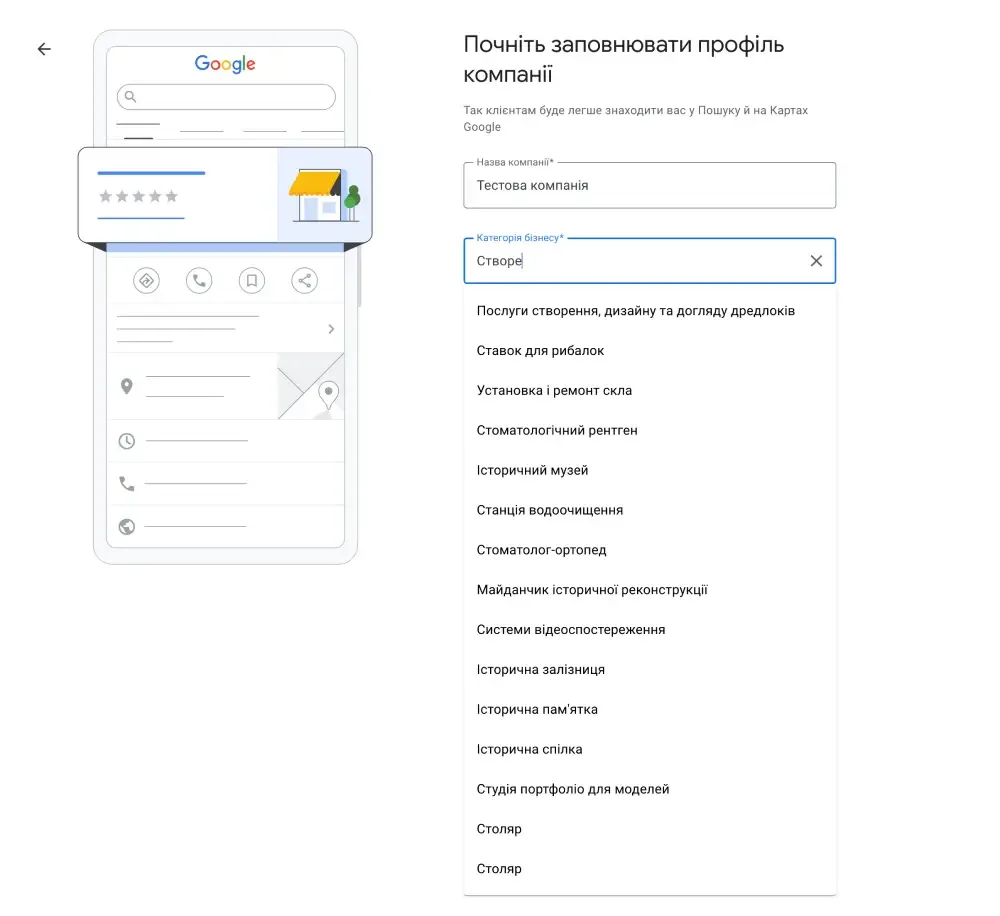
The category determines for which queries you will be shown. This is one of the strongest factors. If you choose the wrong category, even a perfectly filled profile will not produce results. Google literally tries to understand “who you are,” and if this answer is unclear — it will not show the company where it should.
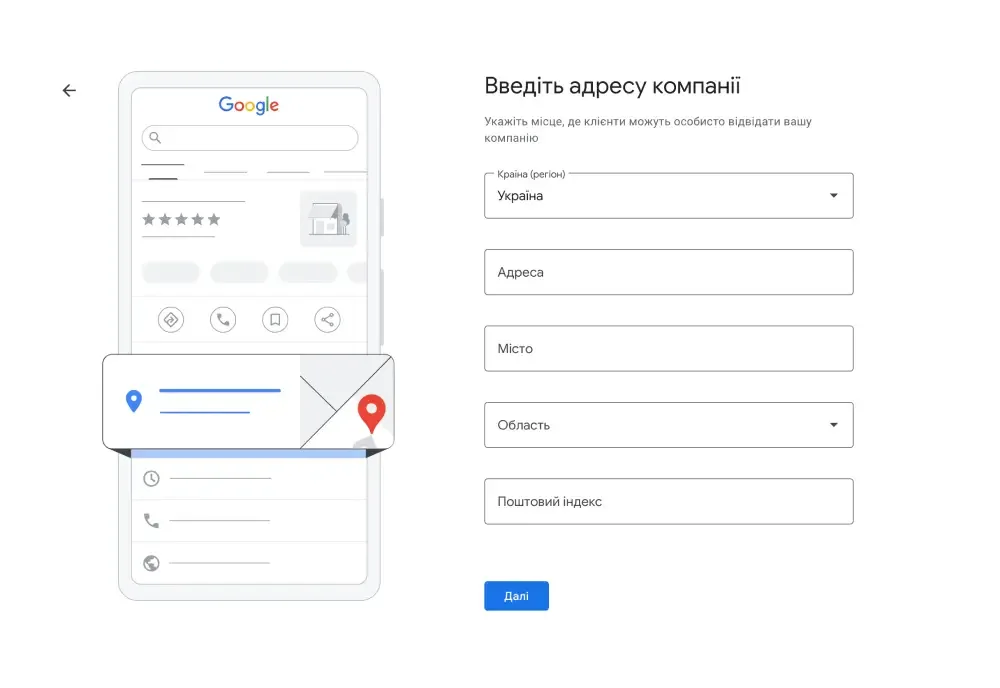
Next comes the address question. If you have a physical location — an office, store, venue — it must be specified as accurately as possible. If you work on-site, then it makes more sense to hide the address and specify a service area. This affects where exactly your business will appear on the map.
Contact information looks like a minor detail, but in practice it is what converts a view into an action. If a person cannot quickly call or go to the website — they simply close the profile and open another one.
Company verification: why nothing works without it
Today, video verification is most commonly used. You need to show the premises, the sign, sometimes the work process. Google checks whether this matches the declared activity. This is done to filter out fake companies.
Previously, the option with a letter was popular, but now it is used less often and takes more time.
Why most companies do not get customers
After creating a profile, many people think the work is finished. In reality, everything is just beginning. Google looks at how “alive” the profile is.
If there is no description, no photos, no activity — the system perceives it as a weak signal and does not show it at the top.
Photos play an especially important role. They form the first impression even before a person reads the text. If the profile looks empty or low-quality — trust drops instantly.
The same goes for reviews. The user does not analyze deeply — they just look at the rating and the number of reviews. If there are few of them or they are outdated, the profile looks less reliable, even if the business is actually good.
What a “normal” profile looks like through the eyes of a customer
When a person opens a company in Google Maps, they form an opinion within a few seconds. They do not read long texts, do not analyze deeply — they look at the overall picture.
If there is a clear name, normal photos, up-to-date working hours, and live reviews — that is already enough to take the first step and press the call button.
If something looks strange or unclear — the user simply goes back and chooses another company.
What actually affects rankings
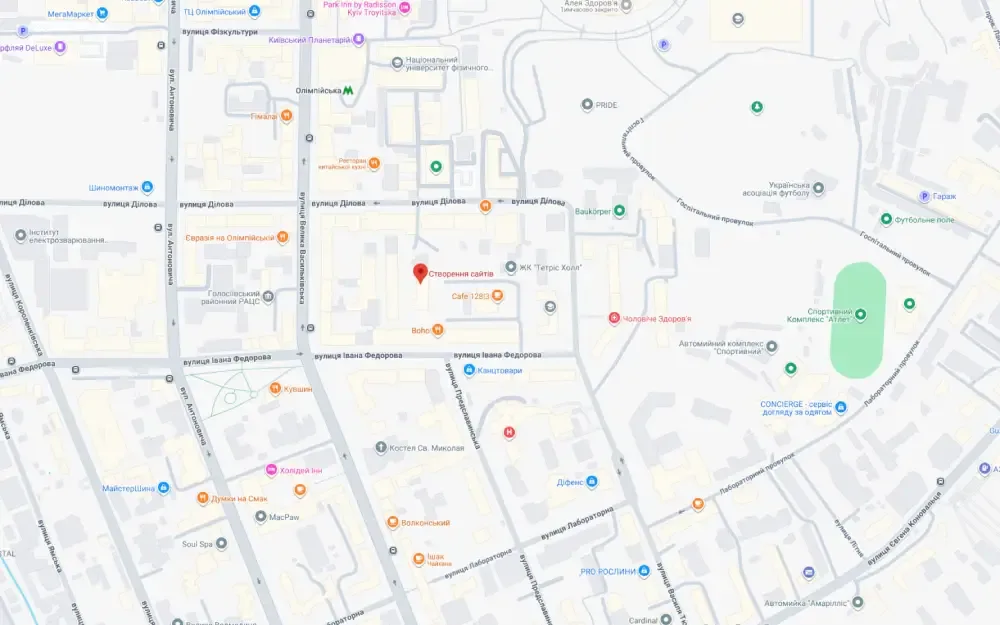
Google does not rank companies randomly. It looks at three things: relevance, distance, and trust. You cannot control distance, but the other two factors completely depend on how the profile is built.
Relevance is the match to the user’s query. It is formed through the correct category, an adequate description, and the overall structure of the profile. Essentially, Google must clearly understand what exactly you do and who it may be useful for. The logic here is the same as in the process of online store development: if the structure, categories, and content are done correctly — the system better “understands” the business and shows it to customers more often.
Trust is reviews, activity, and content. If the profile is regularly updated, has new photos, and replies to reviews — it looks “alive.”
That is why two identical companies can have completely different positions.
Adding a company to Google Maps is not a complex technical task, but it is a process that must be done correctly. It is important not just to create a profile, but to understand how it works from the perspective of the user and the algorithm.
If you approach this formally — there will be no result. If you do everything thoughtfully: correctly specify data, verify the business, fill the profile, and maintain activity — Google will start bringing customers without advertising.
If needed, I can separately explain how exactly to reach the top in Kyiv for your niche and what specifically to do after creating the profile.